Best forum software to grow your community in 2026
A practical comparison of the best forum software, covering key benefits and tips for choosing the right platform for your organization.



Lauren Hakim
Director, Product Marketing
更新日: February 27, 2026
A 2026 guide to the best forum software
Forum software has evolved from simple discussion boards into a core channel for customer support (CS), peer-to-peer help, and community-sourced knowledge. In 2026, the best platforms help teams surface answers faster, reduce ticket volume, and scale engagement—while integrating seamlessly with broader service and support systems. Many organizations use online community software to connect forums with self-service and support workflows.
This guide compares the best forum software available today, highlighting differences in features, pricing, and use cases. It’s designed to help CS, operations, and IT leaders evaluate the benefits of forum software and decide which platform best supports their customer community.
More in this guide:
- What is forum software?
- Benefits of forum software
- Forum software comparison chart
- The 11 best forum software solutions
- Key features of forum software
- How to select the best forum software
- Frequently asked questions
- Try online forum software for free
What is forum software?Forum software powers structured online discussions where people can raise topics, ask questions, and reply to one another in organized threads. These platforms provide online communities with a shared space to group conversations, exchange knowledge, and solve problems over time. It also enables moderators and admins to manage rules, permissions, and content quality. |
Benefits of forum software
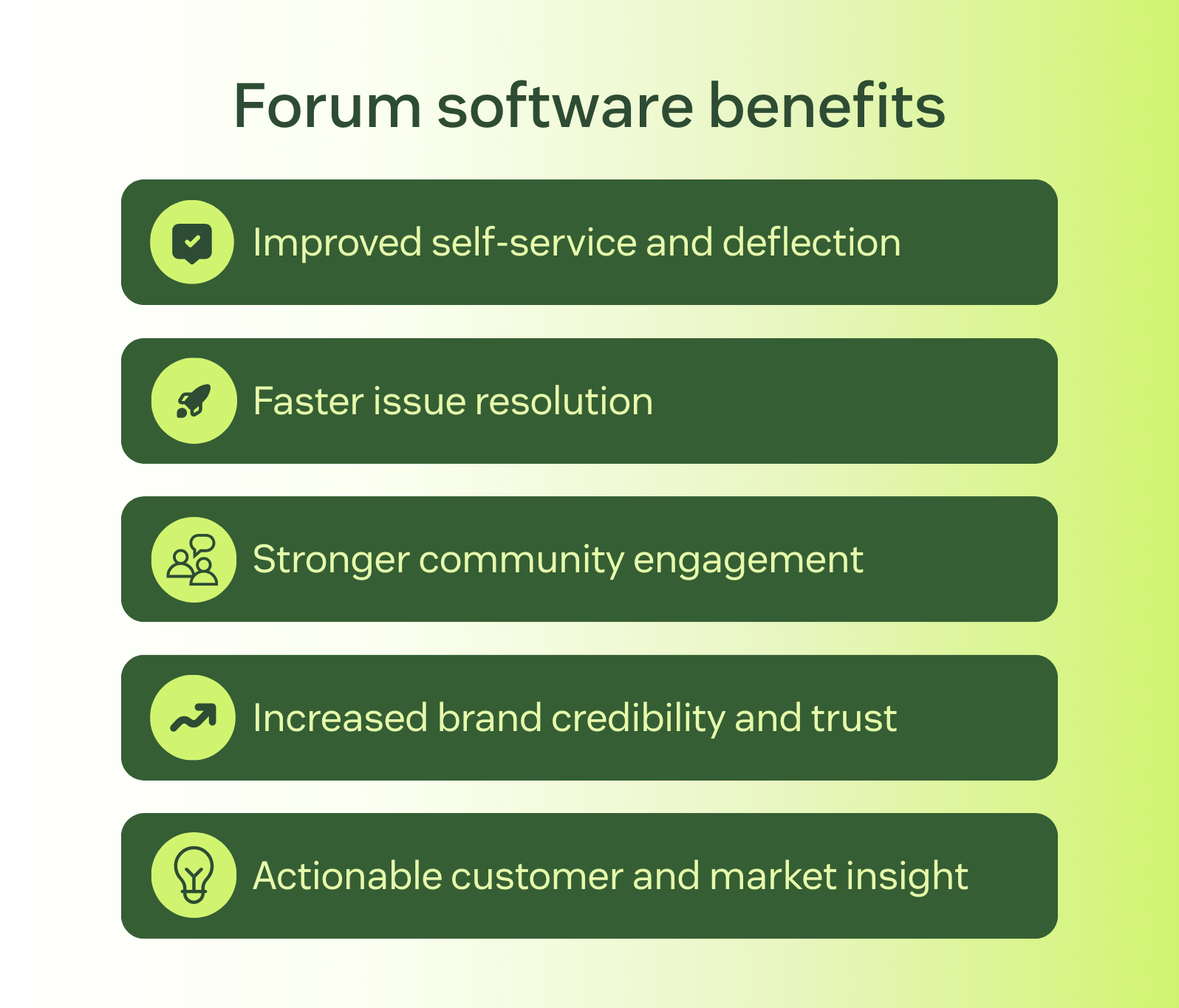
Forum software helps organizations turn customer conversations into a scalable, community-driven support channel. When used effectively, forums reduce support pressure while improving engagement, visibility, and knowledge sharing across customers, communities, and internal stakeholders.
- Improved self-service and deflection: Customers can find answers from past discussions or peer responses, reducing repeat questions and ticket volume—especially when forums are used to complement a structured knowledge base.
- Faster issue resolution: Community members and moderators can surface solutions quickly, often resolving issues without support intervention.
- Stronger community engagement: Forums create an ongoing space for participation, empowering customers to learn from one another and build a sense of shared ownership.
- Increased brand credibility and trust: Public, searchable discussions and verified responses establish transparency, reinforce expertise, and build confidence in your brand.
- Actionable customer and market insight: Forum discussions surface recurring issues, feature requests, and emerging trends that can inform product and support decisions.
Together, these benefits make forum software a practical way to scale support, strengthen communities, build credibility, and leverage customer insight. When forums integrate with help centers and knowledge base software, these benefits are amplified.
Forum software comparison chart
The comparison chart below highlights key differences across the top forum software platforms, including features, pricing models, and best-fit use cases. Use it as a starting point for narrowing down your shortlist.
|
Software |
Best for |
Starting price |
Free trial |
|
Zendesk |
Community-led support at scale |
$55 per agent/month (billed annually) |
14 days |
|
Hivebrite |
Member-based and professional communities |
Custom pricing |
Not available |
|
XenForo |
Self-hosted forums with customization needs |
$54 per month (billed annually) |
7 days |
|
High Logic Vanilla |
Large, forum-centric customer communities |
$599 per month |
Not available |
|
Discourse |
Tech companies and developer-led communities |
$20 per month |
14 days |
|
Gainsight |
Customer success communities |
Custom pricing |
Not available |
|
Mighty Networks |
Creator-led and brand-driven communities |
$79 per month |
14 days |
|
Bettermode |
No-code customer and brand communities |
$399 per month |
Not available |
|
phpBB |
Free, open-source forum communities |
Open Source |
Not available |
|
MyBB |
Lightweight, open-source discussion forums |
Open Source |
Not available |
|
Flarum |
Modern, minimalist open-source forums |
Open Source |
Not available |
The 11 best forum software solutions
Forum software varies significantly in structure, ownership model, and intended use. Some platforms focus on customer support and business communities, while others are built for open, self-hosted discussion forums. The solutions below represent a range of approaches to help you compare options based on your organization’s needs.
- Zendesk: Best for community-led support at scale
- Hivebrite: Best for member-based and professional communities
- XenForo: Best for self-hosted forums with customization needs
- Higher Logic Vanilla: Best for large, forum-centric customer communities
- Discourse: Best for tech companies and developer-led communities
- Gainsight: Customer success communities
- Mighty Networks: Best for creator-led and brand-driven communities
- Bettermode: Best for no-code customer and brand communities
- phpBB: Best for free, open-source forum communities
- MyBB: Best for lightweight, open-source discussion forums
- Flarum: Best for modern, minimalist open-source forums
1. Zendesk
Best for community-led support at scale
|
Starting price |
Free trial |
Key features |
|
$19 per agent/month billed annually Explore more Zendesk pricing plans. |
14 days |
|
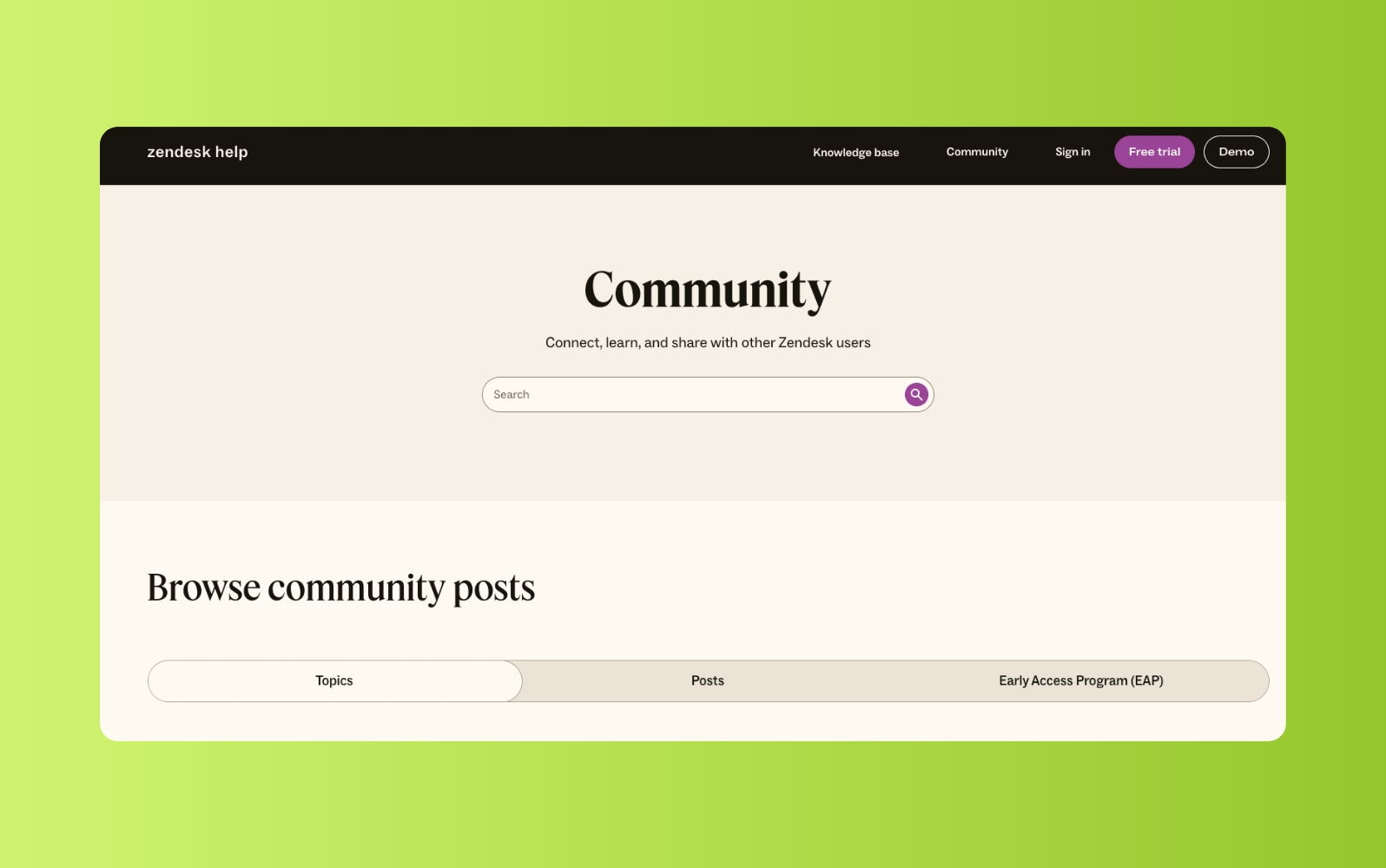
Zendesk provides forum software that enables organizations to build branded customer communities that support peer-to-peer discussions, knowledge sharing, and ongoing engagement. Rather than operating as a standalone forum, Zendesk’s community experience is designed to connect discussions with help center content and support workflows. This makes it a practical option for teams that want forums to complement their existing service channels.
Zendesk’s forum software includes AI-powered search and content surfacing. This gives users a unified search experience across community posts and help centers. Teams can highlight featured content, pin discussions, and surface popular articles to guide participation. These capabilities help forums remain useful and navigable as content volumes grow.
Moderation and governance tools allow teams to manage participation at scale through role-based permissions, post flagging, content editing, and spam controls. Organizations can even create multiple, customizable community forums for different audiences, regions, or brands. As forum software is part of the broader Zendesk platform, teams can connect forum activity to analytic and customer context over time. This supports more informed service and engagement decisions.
|
Pros |
Cons |
|
|
What people are saying:
- “Zendesk keeps all customer queries in one place, so support teams can reply faster and stay organised.” – Verified user, G2 review.
- “The unified omnichannel experience is a game-changer, allowing me to manage customer interactions across multiple channels from a single dashboard.” – Verified user, G2 review.
- “It truly makes my work as a CX service representative much easier in every way!” – Verified user, G2 review.
2. Hivebrite
Best for member-based and professional communities
|
Starting price |
Free trial |
Key features |
|
Custom pricing |
Not available |
|
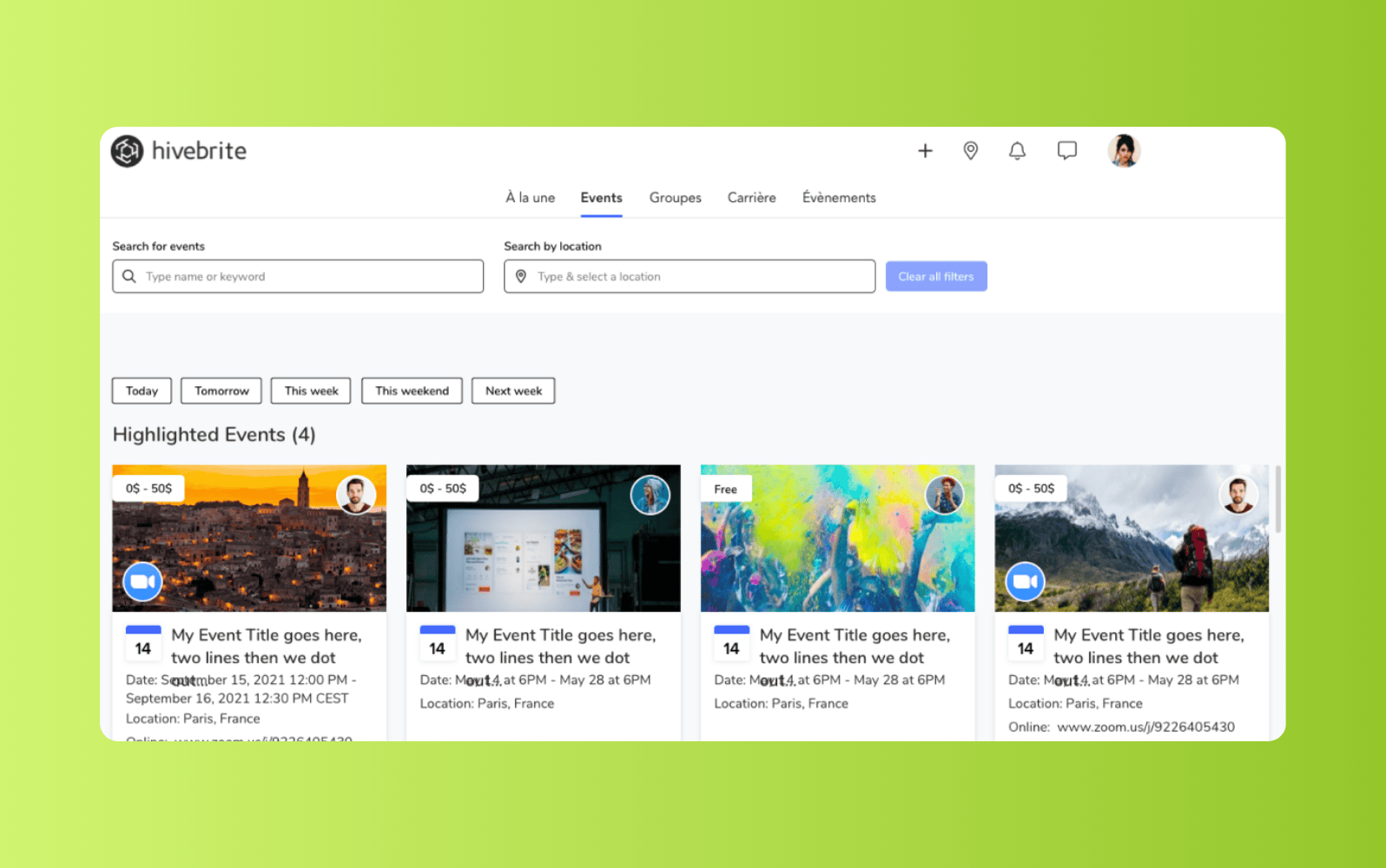
Designed for organizations that manage private or membership-driven communities, Hivebrite focuses on structured engagement rather than open support forums. It’s used by associations, professional networks, nonprofits, and alumni groups that need a controlled space for discussion, content sharing, and member interaction. Forums sit alongside tools for events, directories, and gated content.
Discussion spaces in Hivebrite support moderation, member profiles, and configurable access levels. Beyond this, communities can be segmented by group, role, or interest, making it easier to manage participation across different audiences. Additional tools for content publishing and engagement tracking support ongoing community operations. Keep in mind that the platform isn’t designed for public, support-driven communities and the initial setup and configuration may require more planning than simpler forum tools.
|
Pros |
Cons |
|
|
What people are saying:
- “The user interface is easy to navigate with a modern feel. For us the one challenge is the ability to easily run a series of events for a group.” –Verified user, G2 review.
- “The instant messaging and events and maps are great features. It's a bit cumbersome to use on a mobile device.” – Verified user, G2 review.
- “The user interface of Hivebrite is clean, customisable and easy to navigate. Integration with other support tools is limited.” – Verified user, G2 review.
3. XenForo
Best for self-hosted forums with customization needs
|
Starting price |
Free trial |
Key features |
|
$54 per month (billed annually) |
7 days |
|
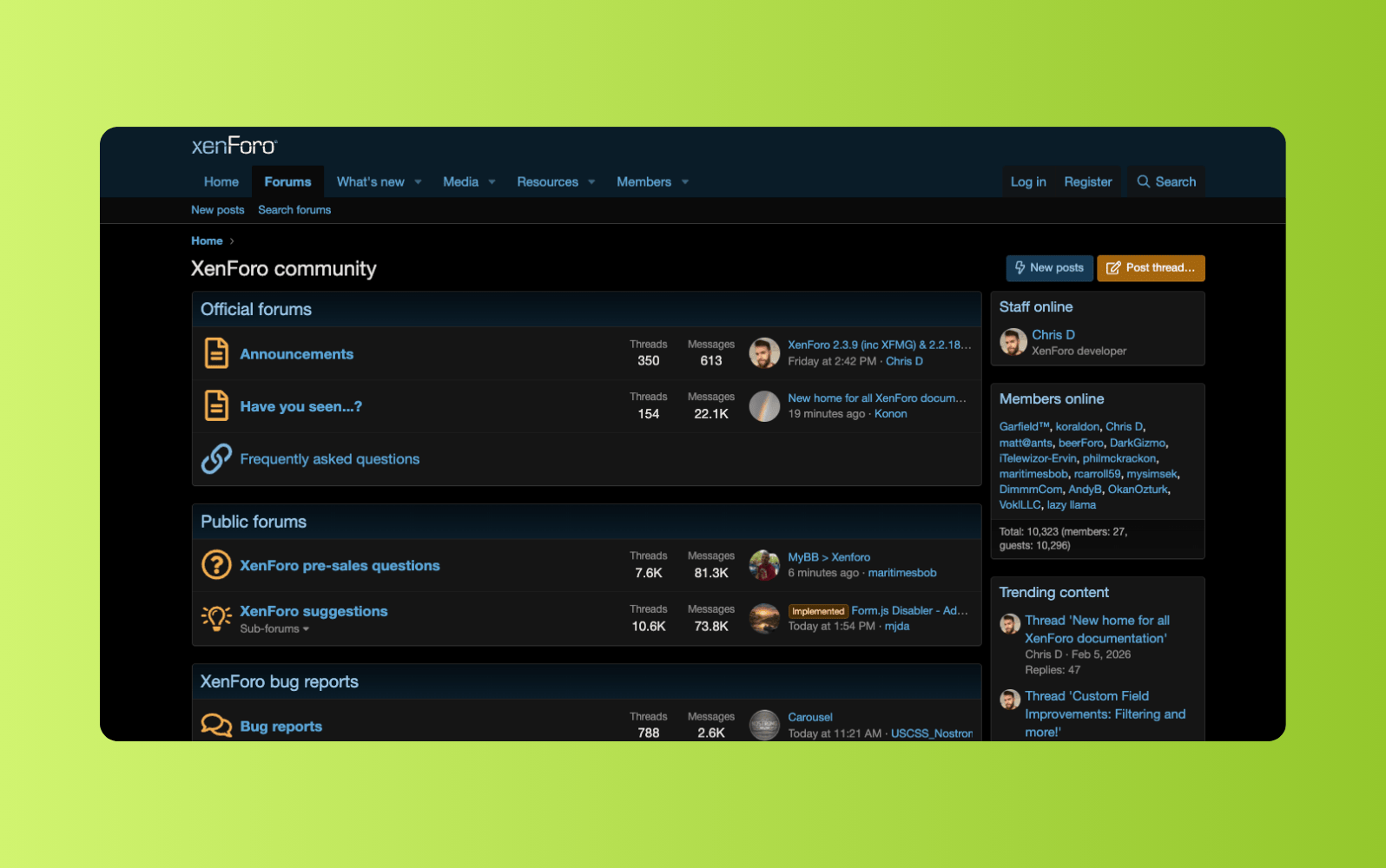
XenForo, a paid, self-hosted forum software appeals to organizations and communities that want full control over their environment. It’s commonly used by hobbyist communities, publishers, and businesses that prefer managing their own hosting, updates, and data. The platform focuses on traditional forum use cases rather than broader community or support workflows.
This forum software supports threaded discussions, user profiles, permissions, and moderation tools. Additionally, its add-on ecosystem allows admins to extend functionality with themes, plugins, and other features. While it’s highly flexible, most customization and maintenance tasks require technical expertise.
|
Pros |
Cons |
|
|
What people are saying:
- “I have found it fast and very simple to use.” – Verified user, G2 review.
- “One of the factors I have disliked is its cost, the complete package may cost over $600, which I think is a bit expensive.” – Verified user, G2 review.
- “Community is great, a lot of tutorials to better make your forum better.” – Verified user, G2 review.
4. Higher Logic Vanilla
Best for large, forum-centric customer communities
|
Starting price |
Free trial |
Key features |
|
$599 per month |
Not available |
|
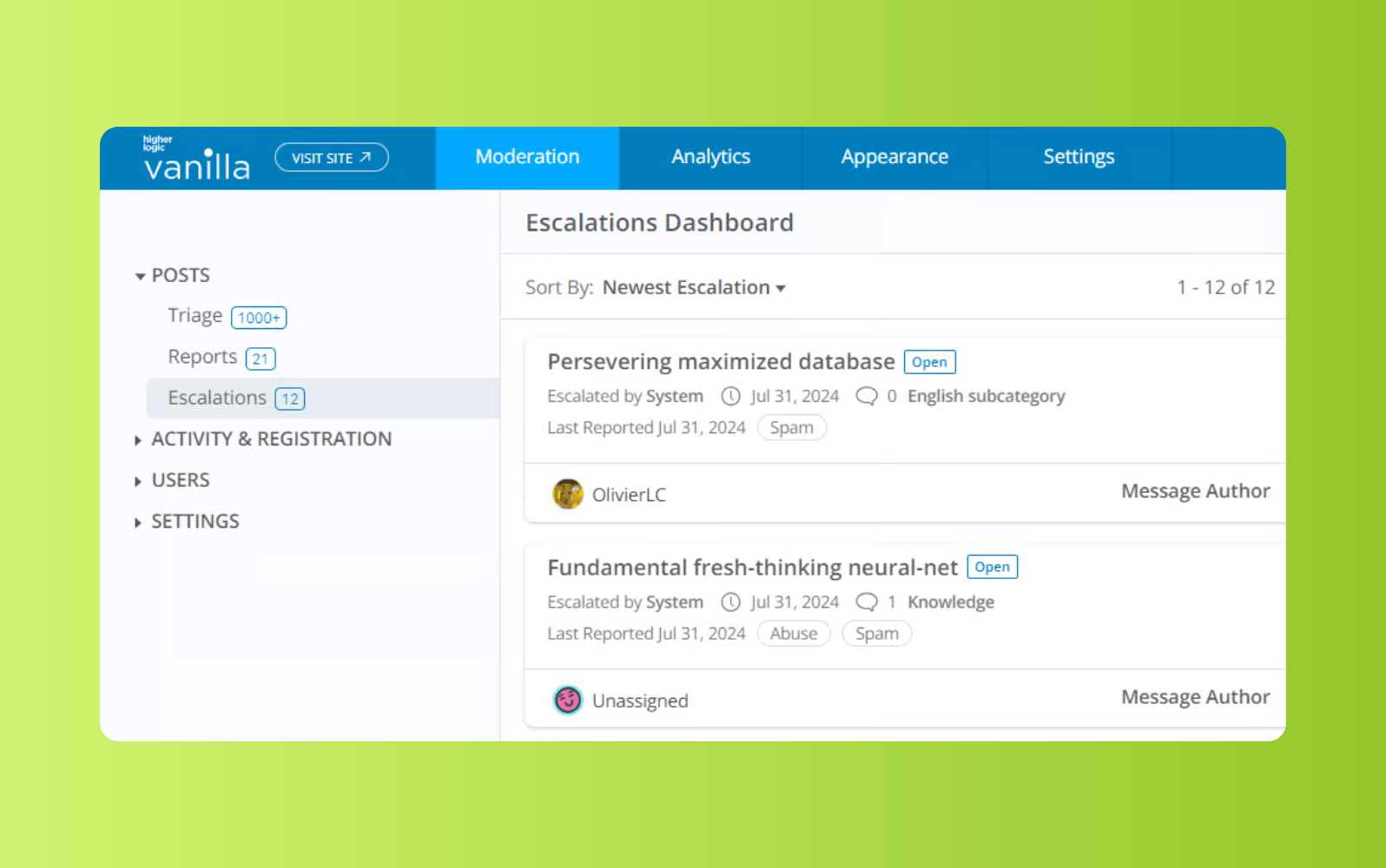
Higher Logic Vanilla is designed for organizations that run large, customer-facing communities. It focuses on structured discussions, moderation, and scalability. This forum software is commonly used by companies that need public forums to support customers, gather feedback, and host ongoing discussions. It’s offered as a managed service rather than a self-hosted solution.
It supports discussion boards, Q&A style forums, and role-based moderation tools. Communities can be customized through themes, while built-in analytics provide visibility into engagement and participation. The platform also supports integrations with external systems, though setup and customization can be complex and may require upfront planning.
|
Pros |
Cons |
|
|
What people are saying:
- “Having the search function at the top where it's easy to see for new and existing users is especially useful” – Verified user, G2 review.
- “Doesn't have the feel or a polished product. Would like the ability to solve basic problems without engineering support.” – Verified user, G2 review.
- “Clean look and feel. The navigation is intuitive and works well. Poor reporting tools for members stats.” – Verified user, G2 review.
5. Discourse
Best for tech companies and developer-led communities
|
Starting price |
Free trial |
Key features |
|
$20 per month |
14 days |
|
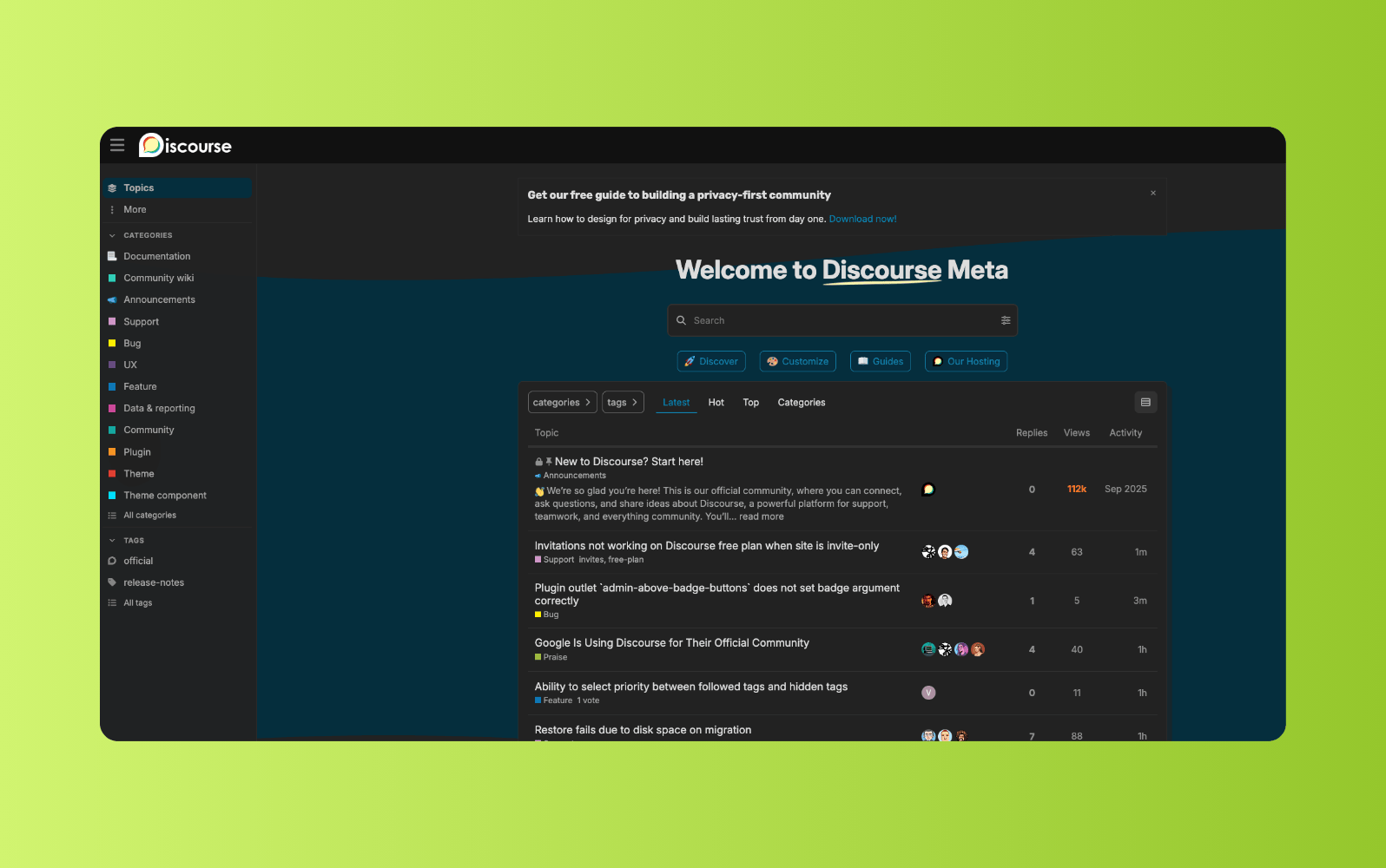
Built as an open-source forum platform, Discourse is designed to support long-form conversations and active community participation. It’s commonly used by tech companies, developer communities, open-source projects, and organizations that want transparent, discussion-led spaces. The platform can be self-hosted or used via managed hosting.
Discourse supports threaded discussions, trust levels, and moderation tools to help manage participation as communities grow. Its interface emphasizes ongoing conversations rather than traditional forum hierarchies. The platform also offers extensibility through plugins and integrations, though customization and maintenance typically require technical expertise.
|
Pros |
Cons |
|
|
What people are saying:
- “I like that Discourse is complete and does not need additional features.” – Verified user, G2 review.
- “One thing to be aware of [...] is that it gives a lot of flexibility, but we've had to leverage a developer to capitalize on creating our more advanced tools.” – Verified user, G2 review.
- “It can seem jumbled if this is the first time you use Discourse, but after you get the hang of it, it makes conversations simpler.” – Verified user, G2 review.
6. Gainsight
Best for customer success communities
|
Starting price |
Free trial |
Key features |
|
Custom pricing |
Not available |
|
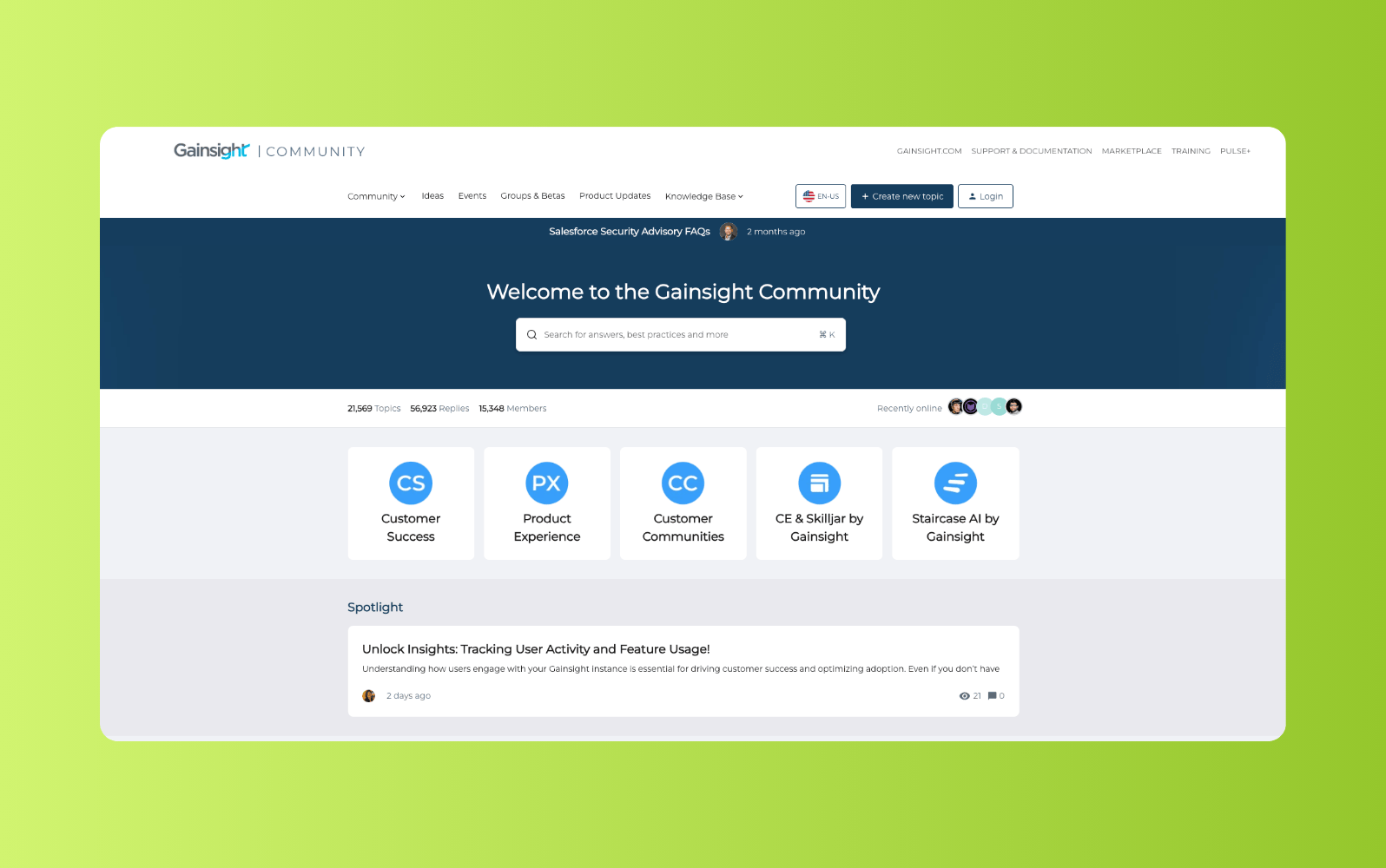
Part of the Gainsight platform, Customer Communities focuses on connecting community engagement with customer success initiatives. It’s primarily used by SaaS companies that want forums to support onboarding, product adoption, and peer learning. The platform is delivered as a managed solution rather than a self-hosted forum.
Gainsight Customer Communities supports discussion forums, knowledge sharing, and idea management. Teams can link community activity and customer health and engagement metrics with broader Gainsight data. Customization and configuration are available, though implementation may require planning and platform alignment.
|
Pros |
Cons |
|
|
What people are saying:
- “Out of the box features are good and customization is easy. Would love to have seen more multi-product features.” – Verified user, G2 review.
- “The feature set is tailored to B2B businesses. Some of the features are not fully fleshed out like you would expect.” – Verified user, G2 review.
- “As the platform is an out-of-box type of solution, some of the functionality is quite basic and configuration options are limited.” – Verified user, G2 review.
7. Mighty Networks
Best for creator-led and brand-driven communities

|
Starting price |
Free trial |
Key features |
|
$79 per month |
14 days |
|
Built around content, events, and member engagement, Mighty Networks focuses on communities where interaction extends beyond traditional discussion forums. It’s commonly used by creators, educators, and brands to host private communities alongside courses, memberships, and live events. Discussion spaces exist within a broader community experience rather than as standalone forums.
Mighty Networks supports topic-based discussions, member profiles, and moderation tools. Communities can be customized with branding and structured around content or programs. While the platform emphasizes engagement and monetization, its forum capabilities are less structured than dedicated forum software and are not designed for support-led use cases.
|
Pros |
Cons |
|
|
What people are saying:
- “It enables people with great ideas to create a community of those who share a common interest.” – Verified user, G2 review.
- “I don't like the limited customization options. I want to be able to really change things up with more sections, themes, colors, etc.” – Verified user, G2 review.
- “I like the analytics and the AI capabilities, you don't get very good technical support” – Verified user, G2 review.
8. Bettermode
Best for no-code customer and brand communities
|
Starting price |
Free trial |
Key features |
|
$399 per month |
Not available |
|
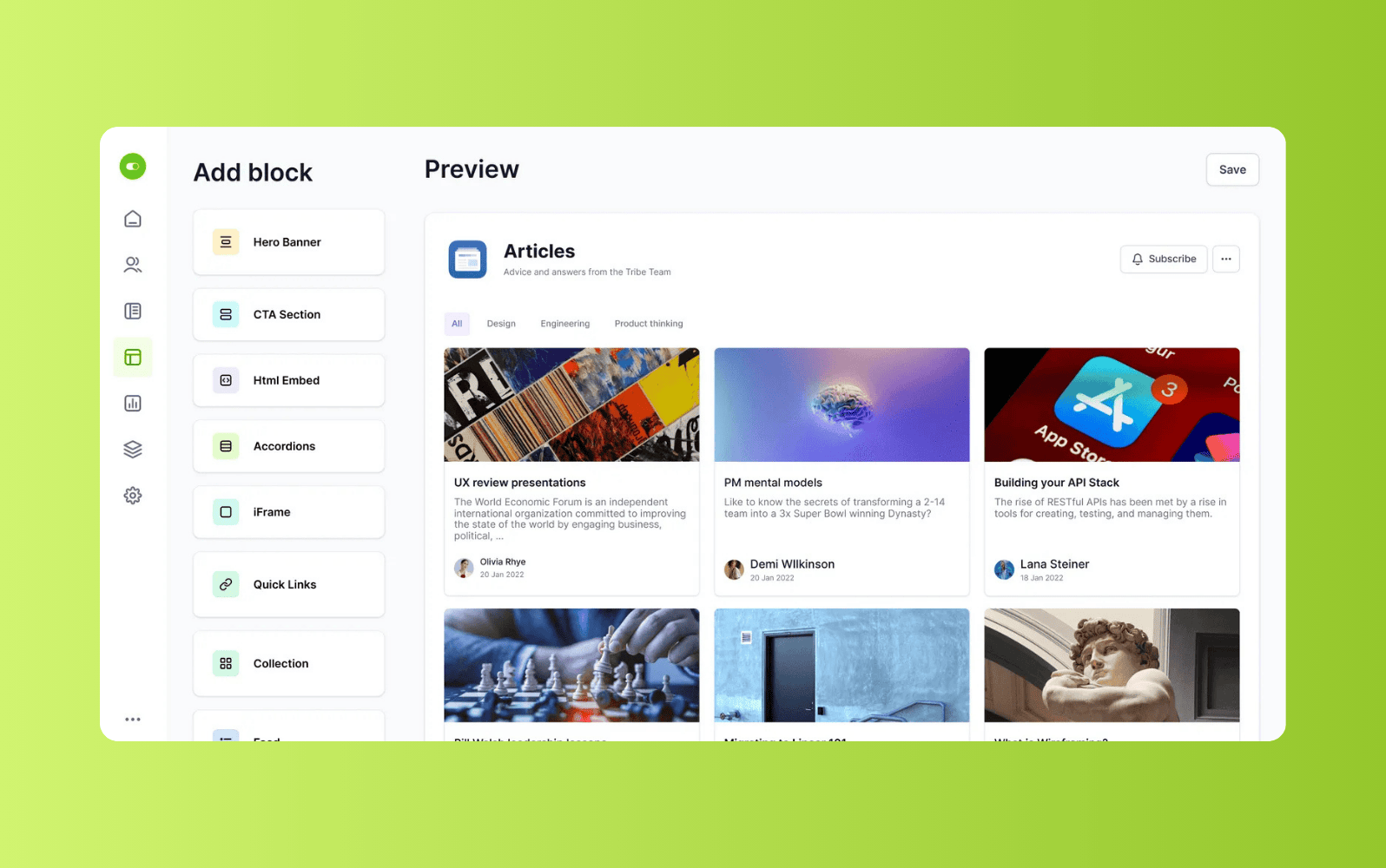
Designed as a flexible community platform, Bettermode focuses on helping brands build customizable online communities without heavy development work. It’s commonly used by SaaS companies, consumer brands, and startups that want discussion spaces integrated into their websites or products. The platform is delivered as a managed service rather than a self-hosted forum.
Bettermode supports discussion threads, Q&A formats, and modular community components. Its no-code editor allows teams to configure layouts, navigation, and branding. The platform also offers APIs and integrations, though deeper customization may require technical support.
|
Pros |
Cons |
|
|
What people are saying:
- “They have removed the technical hurdles to allow coaches, consultants, and freelancers to thoughtfully host a vibrant community.” – Verified user, G2 review.
- “The features that can be accessed through app integrations should be native.” – Verified user, G2 review.
- “It's easy to set up and to maintain, anyone can get started without code.” – Verified user, G2 review.
9. phpBB
Best for free, open-source forum communities
|
Starting price |
Free trial |
Key features |
|
Open source |
N/A |
|
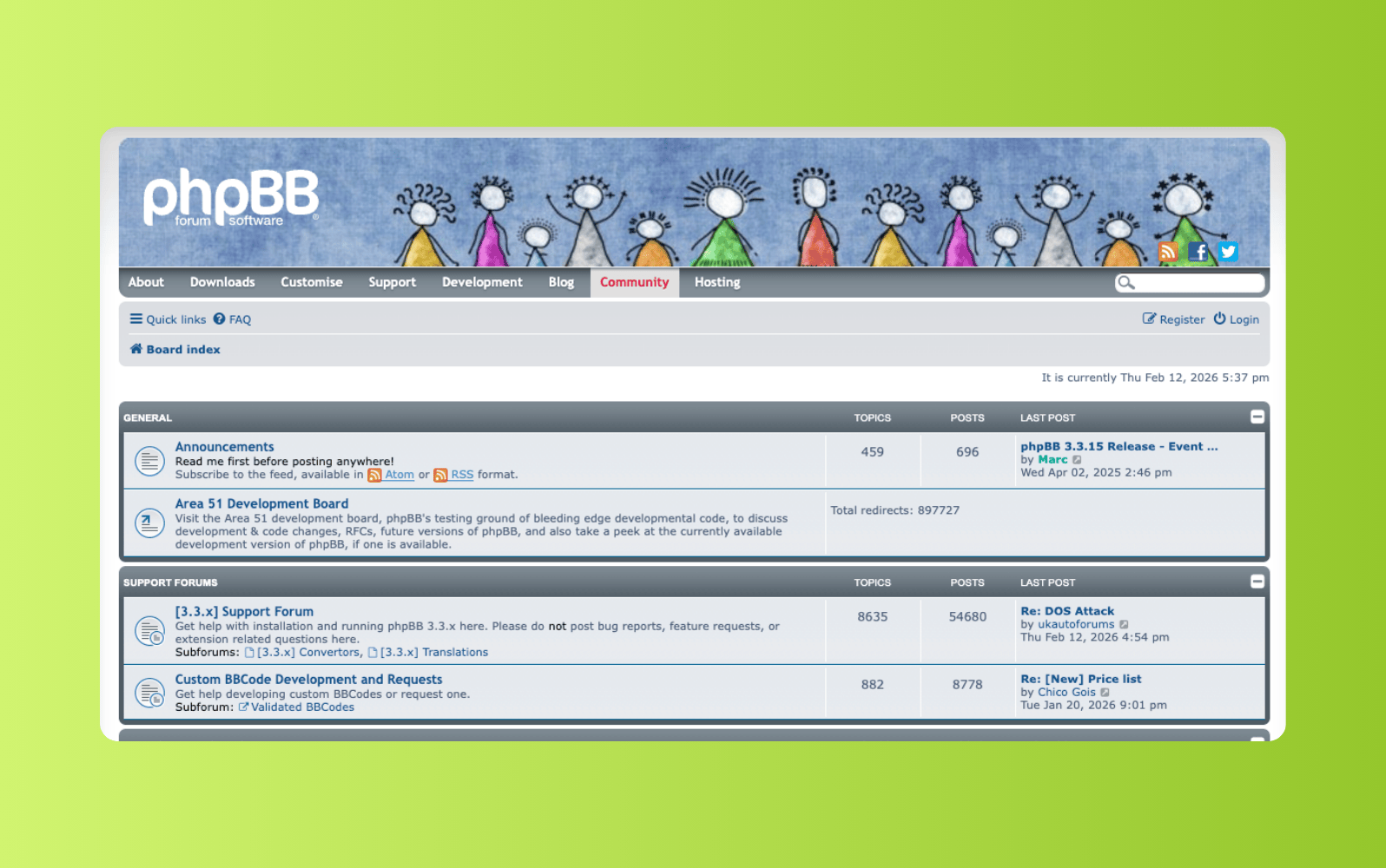
Originally launched in 2000, phpBB is one of the longest-running open-source forum platforms. It’s commonly used by hobbyist communities, gaming forums, and interest-based groups that want a traditional message board experience. This forum software is self-hosted and requires users to manage their own server environment.
phpBB supports threaded discussions, user accounts, moderation tools, and customizable themes. Extensions allow administrators to add features, though configuration and maintenance depend on technical resources. The platform prioritizes structured discussion over integrations with customer support or business systems.
|
Pros |
Cons |
|
|
10. MyBB
Best for lightweight, open-source discussion forums
|
Starting price |
Free trial |
Key features |
|
Open source |
N/A |
|
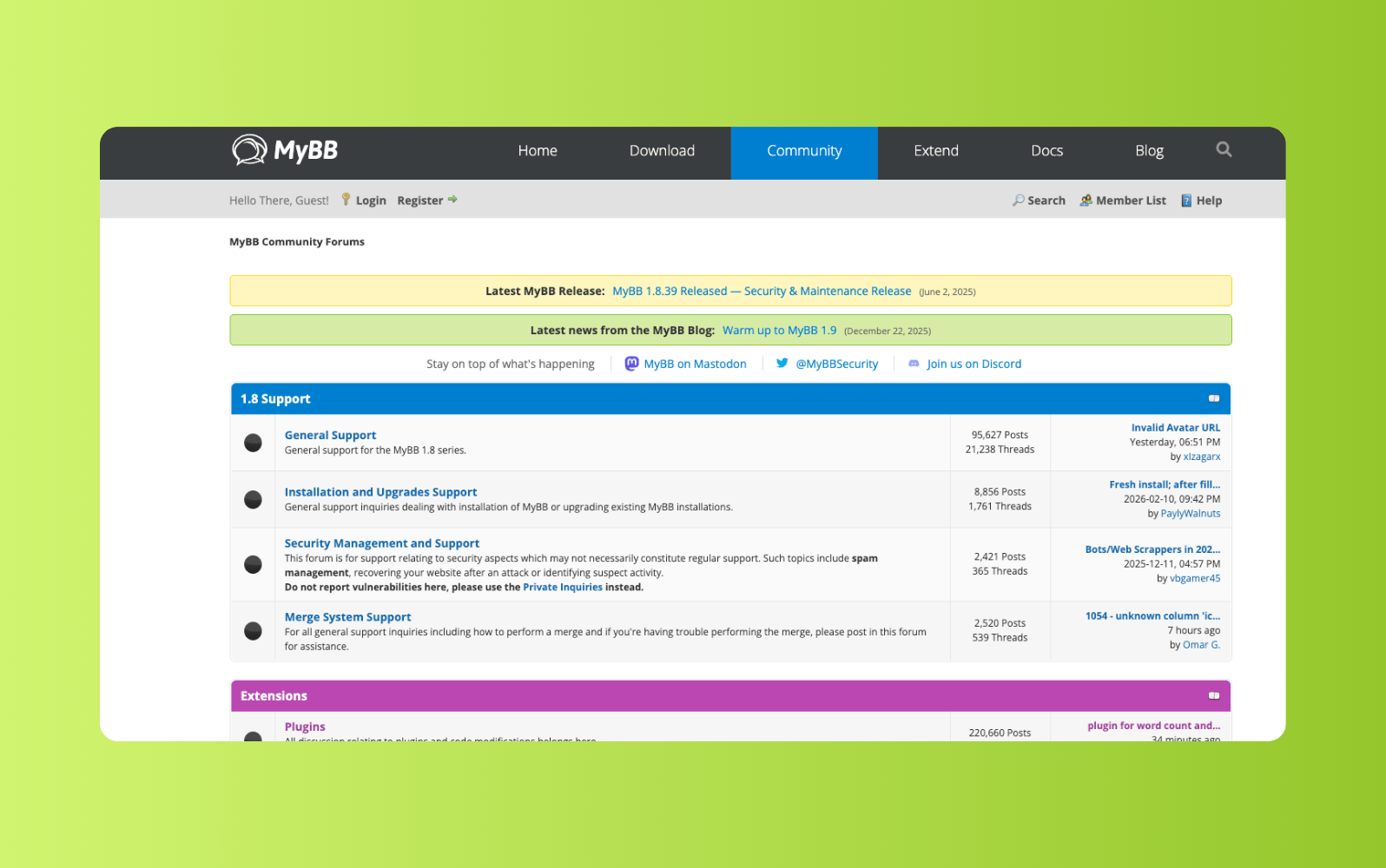
MyBB is an open-source forum platform designed for traditional message board communities. It’s often used by smaller online communities that want a straightforward forum structure without commercial licensing costs. Like phpBB, it must be self-hosted and maintained independently.
The platform includes discussion threads, moderation controls, and plugin-based customization. Themes and extensions allow administrators to tailor the interface and add functionality. However, integrations with external business systems are typically handled through third-party plugins.
|
Pros |
Cons |
|
|
What people are saying:
- “The best part: Open Source, which adds to the trust in the software. The community is beneficial & engaging.” – Verified user, G2 review.
- “Although it is open source, the marketplace available plugins which are ready to use are very very few.” – Verified user, G2 review.
- “Quite large and not very easy to start playing around with, but once you get familiar with it, it gets very more manageable.” – Verified user, G2 review.
11. Flarum
Best for modern, minimalist open-source forums
|
Starting price |
Free trial |
Key features |
|
Open source |
N/A |
|
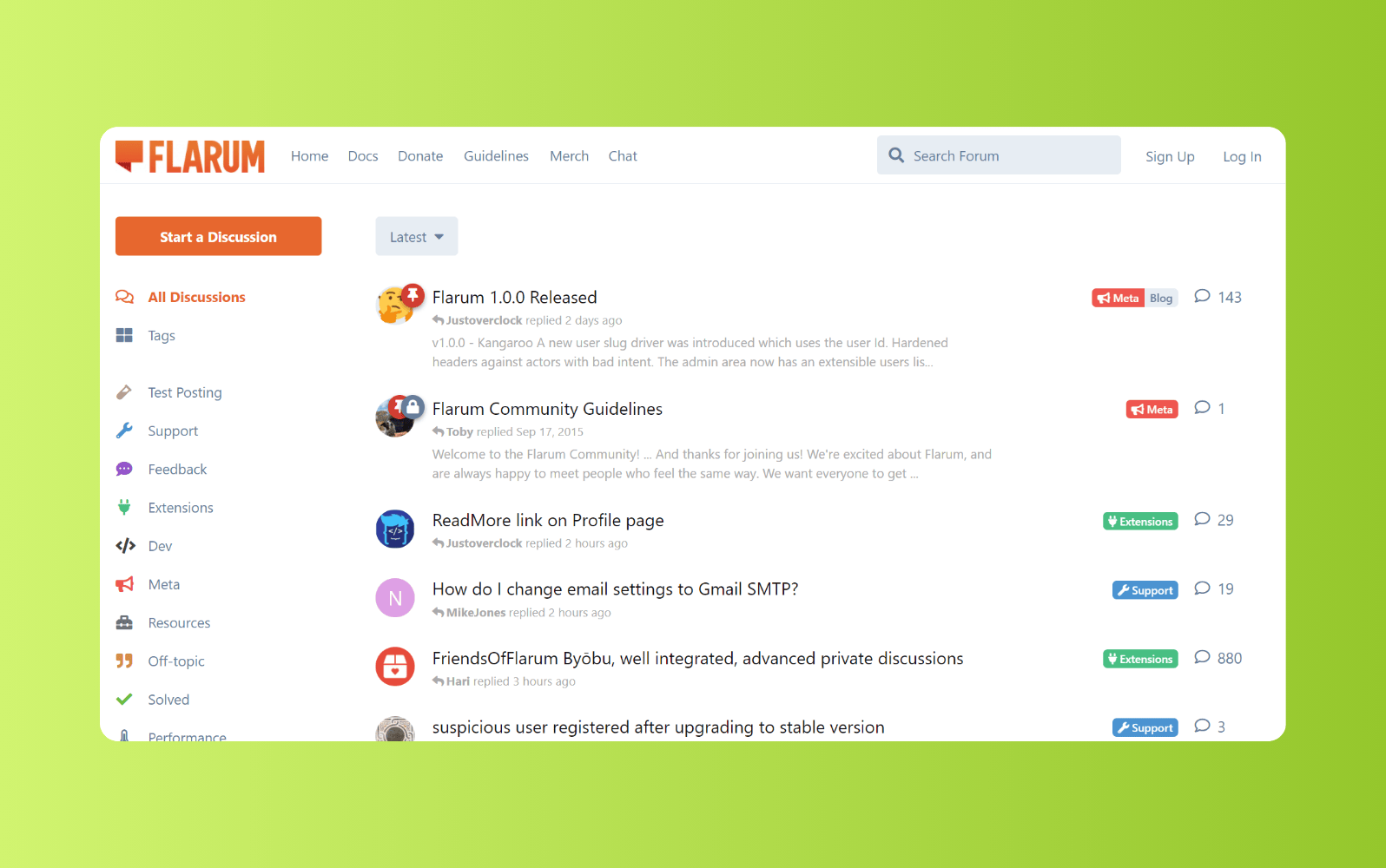
Flarum is a modern open-source forum platform with a clean interface and streamlined discussion experience. It’s commonly used by developers and online communities that prefer a lightweight alternative to traditional forum software. The platform can be self-hosted or deployed through managed providers.
Flarum supports tag-based discussions, extensions, and user permissions. Its architecture emphasizes simplicity and performance, though advanced customization and scaling typically require technical knowledge. Compared to traditional business community platforms, it focuses primarily on discussion rather than support workflows.
|
Pros |
Cons |
|
|
Key features of forum software
Forum software includes a core set of features that support structured discussions, safe participation, and long-term knowledge sharing. These features help organizations manage growing communities, maintain content quality, and ensure conversations remain easy to navigate over time. Together, they form the foundation of a scalable and well-governed forum experience that can integrate with help centers and client portals.
- User accounts, roles, and permissions define how people participate, moderate discussions, and handle administrative responsibilities.
- Discussion structure and organization group conversations into categories, threads, and tags, creating a clear structure for discussions.
- Moderation and community governance tools allow admins to enforce rules, manage spam, and maintain content standards as communities grow.
- Search and content discovery help users find relevant discussions, answers, and previously resolved topics.
- Engagement and participation features enable replies, reactions, voting, subscriptions, and notifications to support ongoing activity.
- Analytics and community insights provide visibility into engagement trends, popular topics, and unanswered questions.
How to select the best forum software
Choosing forum software takes more than just comparing feature lists. The right platform should support your community’s purpose today and in the future. Having a clear evaluation process helps teams balance usability, governance, scalability, and long-term value. These considerations can help you narrow options and make a confident decision.
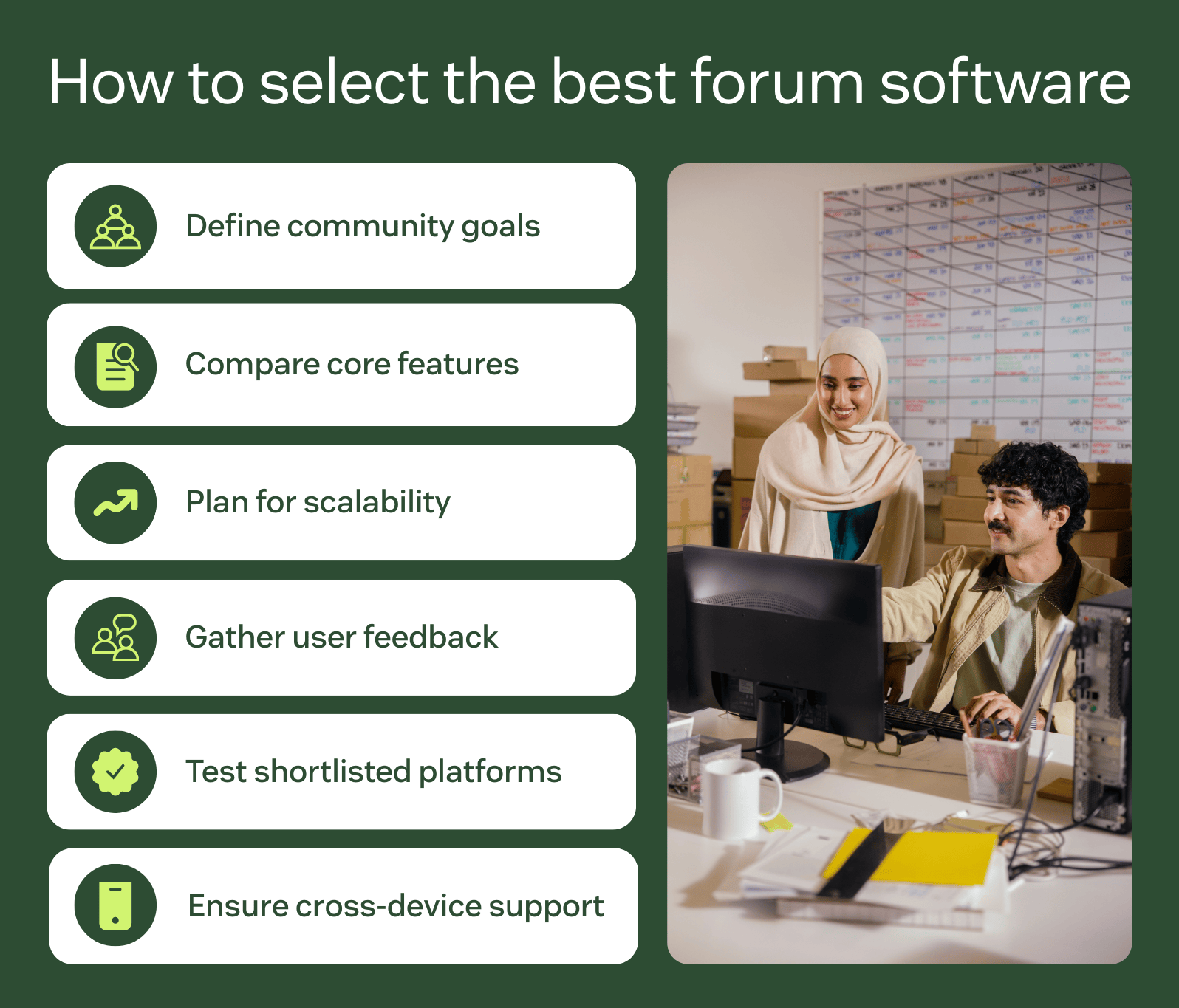
Clarify your community’s objectives and requirements
Start by defining what you want your forum to achieve. Consider whether it will support customer self-service, peer discussions, product feedback, or a mix of use cases. Audience size, moderation needs, and visibility requirements should also shape your criteria early.
Compare core features and platform capabilities
Evaluate whether the platform supports essential forum features such as discussion structure, moderation, search, and analytics. Look beyond surface functionality to understand configuration options, administrative controls, and how features work together, including integration with internal knowledge bases. This helps mitigate gaps that emerge after launch.
Plan for scalability and long-term growth
Look for forum software that can support increased participation, content volume, and moderation needs over time. Consider how easily the platform handles new users, additional communities, or expanded use cases. Scalability is critical for avoiding costly migrations later.
Gather feedback from users and the wider community
Input from moderators, internal teams, and potential users can reveal usability issues early. Feedback helps validate whether the platform feels intuitive and supports real participation. This step reduces adoption risk and improves long-term engagement.
Trial and assess shortlisted platforms
Use free trials, demos, or pilot programs to test workflows in real conditions. Evaluate setup effort, moderation tools, and everyday usability. Hands-on testing highlights key differences that feature lists cannot.
Ensure mobile and cross-device support
Community participation happens across devices, not just on desktops. Confirm that the forum software delivers a consistent experience via mobile, tablet, and desktop. Strong cross-device support helps sustain engagement and accessibility.
Frequently asked questions
Try online forum software for free
Zendesk’s forum software fosters customer engagement and deepens customer connections with forums that companies can quickly and easily customize to their brand. With our complete customer service solution, you can integrate your community forum with self-service portals, AI-powered knowledge bases, and our industry-leading ticketing system. Discover the value of launching a community forum with Zendesk by starting your free trial today.
Lauren Hakim
Director, Product Marketing
As Director of Product Marketing at Zendesk, Lauren leads go-to-market strategy for AI Agents and Knowledge. She focuses on how AI can improve resolution rates and empower support teams through scalable automation and smarter self-service.
Related forum software guides
Check out a few of our related guides and comparisons.